PDF imposition for small print shops.
Prepare cards, booklets, labels, and numbered PDF tickets with editable browser workflows. Keep the press specification and physical proof in control.
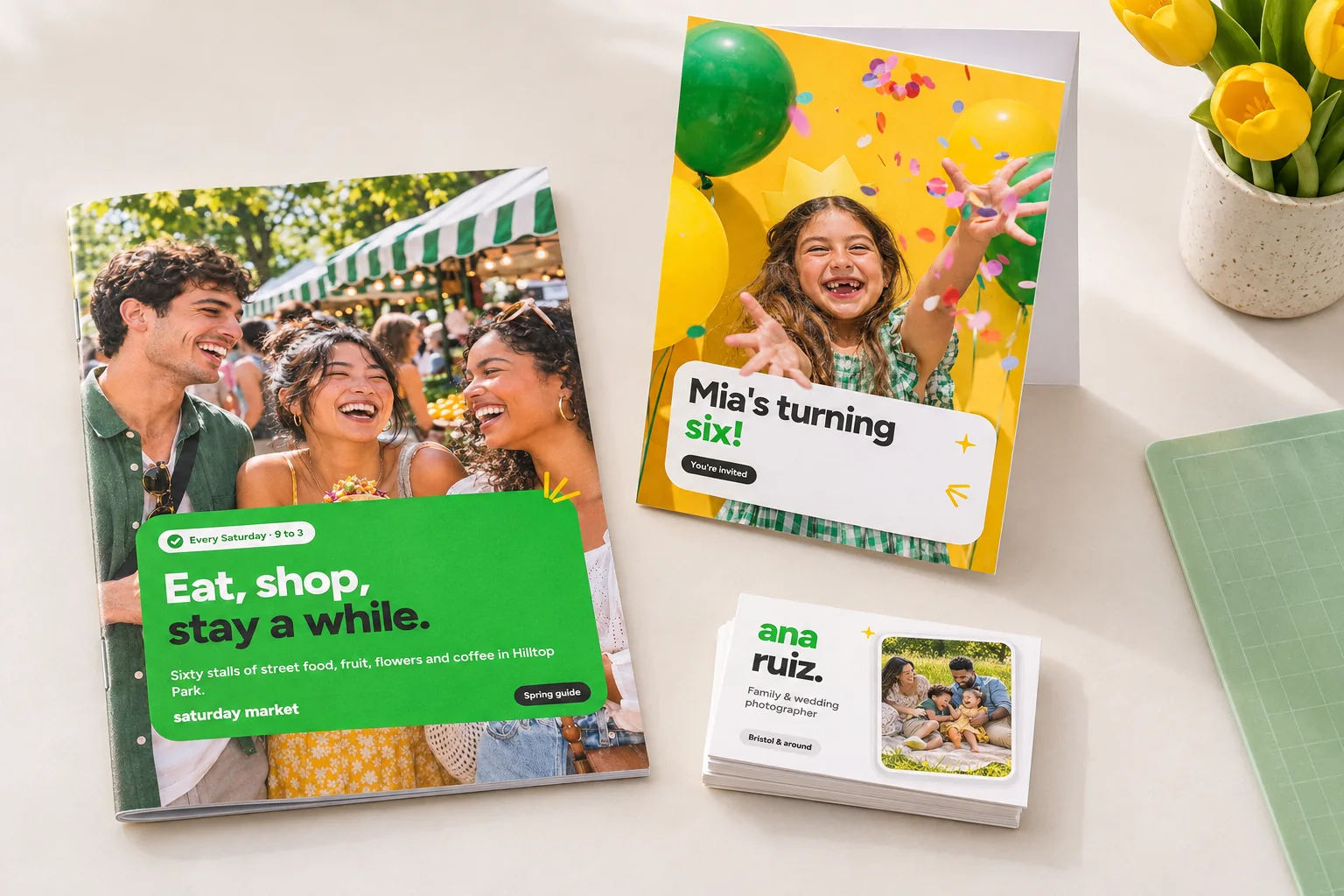
PDFImpose suits manually prepared, repeatable PDF jobs: a short booklet, a business-card sheet, a label run, or already numbered tickets. It puts preparation, imposition, and finishing steps in one visible workflow while leaving press approval and production checks with the shop.
- Everyday digital-print layouts
- Reusable steps and local templates
- Clear PDF handoff to production
A practical place for the counter job.
A customer brings a revised loyalty card while another waits for an eight-page booklet. Neither job needs a new design system, but both need the right size, page order, and finishing allowance. Start from the nearest sample in PDFImpose, replace the artwork, and inspect each step.
The card preset exposes resize, bleed, repetition, and marks. The booklet preset exposes saddle stitch and finishing guides. That separation helps an operator see what changed when a customer asks for a new size or a different stock.
Keep a useful handoff with the PDF.
An exported file is one part of the job. Record the physical setup that produced the approved proof.
- Finished item size, sheet size, and quantity
- Source artwork revision and output filename
- Duplex orientation and paper delivery order
- Cutting or folding sequence and accepted proof
- Any machine-specific margins or finishing allowances
Use it where a manual workflow fits.
PDFImpose processes the opened PDF on the operator’s device and exports a PDF. It does not replace your RIP, MIS, certified preflight system, unattended hot-folder service, or machine calibration. Keep those systems where they are required, and assess a representative job before moving a workflow.
Saved custom templates are stored in the current browser. Treat the source artwork, approved output, and production instructions as records you must keep yourself; signing in does not turn them into a shared print-shop job database.
Before you
get started.
Can PDFImpose replace our production automation server?
No such replacement is claimed. PDFImpose is an interactive browser editor. Evaluate server automation, device integration, and production tracking separately.
Can we reuse a standard card layout?
Yes. Save an edited step sequence as a local template. Recheck the artwork, bleed, machine margins, and proof whenever the job changes.
The next step
is your PDF.
Start with a real sample. Adjust every step. Make a proof before the print run.